Clinic & hospital management software
Less paperwork. More time for patients.
Callex Health runs your OPD, ward, lab, billing, insurance claims and medical store on one connected system — built with doctors and nurses, for Indian hospitals.
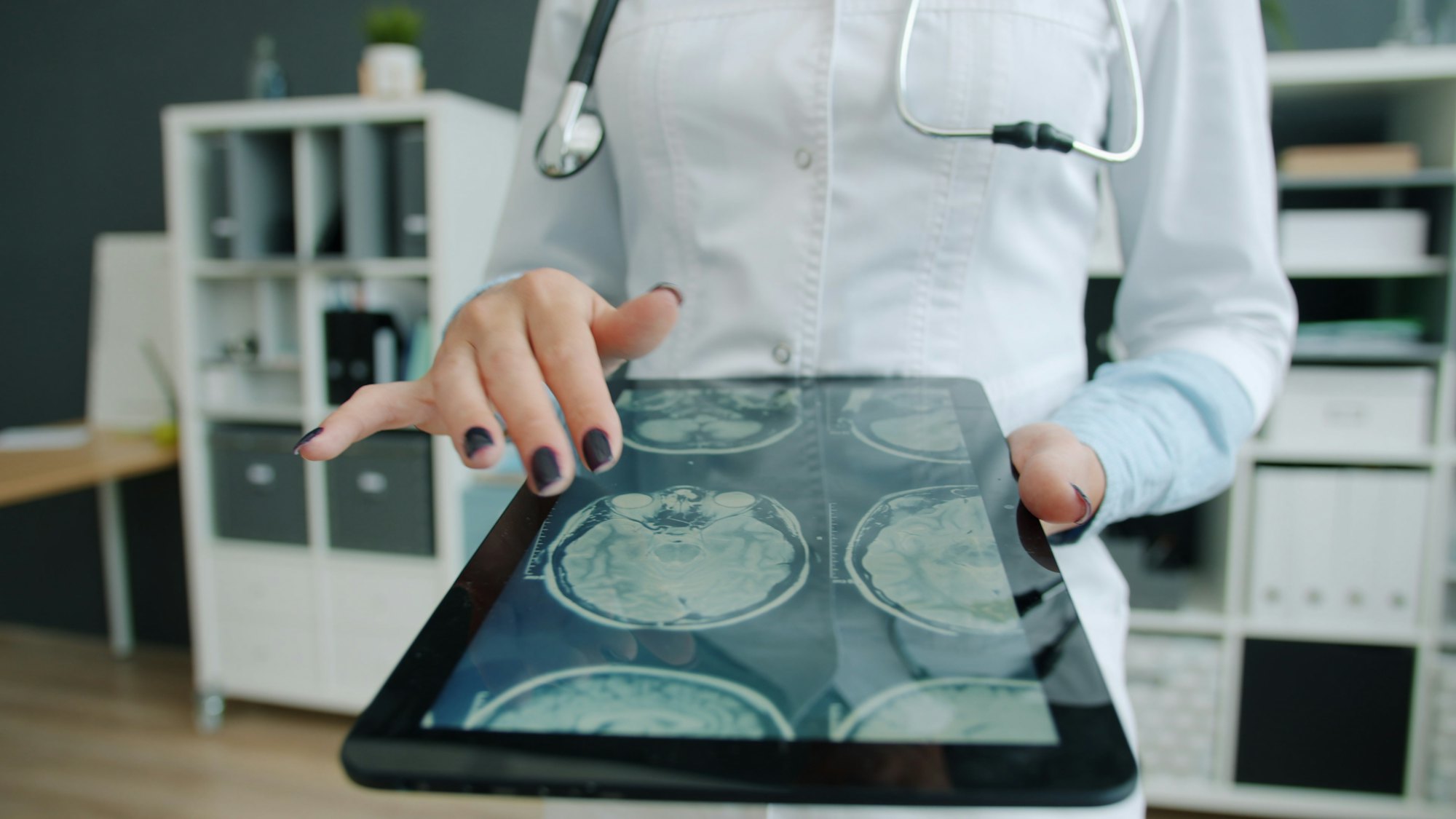
Callex Health runs your OPD, ward, lab, billing, insurance claims and medical store on one connected system — built with doctors and nurses, for Indian hospitals.
Each role sees only its own screens. Switch off what you don't use.
28 specialties, history beside the form, printed A4 prescription.
Realistic mouth chart, a note on every tooth, findings on the Rx.
Lab desk, result grid with values and a printed report.
Invoices, deposits, packages, insurer and TPA claim forms.
Batch & expiry stock, GST bills, godown transfers.
Follow-ups and enquiries, dialled from your dialer.
Collection and department reports in Excel.
A permission for every screen, per role.

Every screen was shaped by doctors, nurses and front-desk staff using it — one page for each job, nothing to hunt for, and nothing to install on their computers.
Run several branches under one hospital, and several hospitals from one control screen.
Safety features come with every plan — never sold extra.
Plans follow your hospital's size and the departments you need. Pick a day and time that suits you for a live walk-through.
Our team will call you on your mobile before the demo.
No. Chrome on Windows 10/11, Mac, tablet or phone.
Yes. Switch off any screen per role; the menu stays short.
28 built in; add your own from Setup → Specialties.
Yes, with branch-wise counters, stores and reports.
Yes — claim forms for leading insurers and TPAs.
Same software either way. Pick cloud to start fast; pick in-house to keep everything inside your building.
An internet connection and Chrome. No server to buy or look after.
On our server, in your hospital's own separate database — never mixed with another hospital's.
Yes, for example opd.yourhospital.com, with your own logo on every screen and print.
We do: nightly backups, and updates installed by our team.
No, not for daily work. OPD, wards, lab, billing and the store run on your hospital's own network.
On your server, inside your building. It does not leave the hospital.
Our team sets it up on your server and advises on the right machine for your size.
Yes, if you choose — over HTTPS through your hospital's internet line.
Start on cloud and move in-house later (or the other way) — your full data moves with you.